Spreadsheets vs a Custom ERP: 7 Signs Your Business Has Outgrown Excel
Spreadsheets are a great start, but at some point they start slowing the business down. Seven signs it is time to move to a business system or custom ERP, and how to make the switch without disruption.
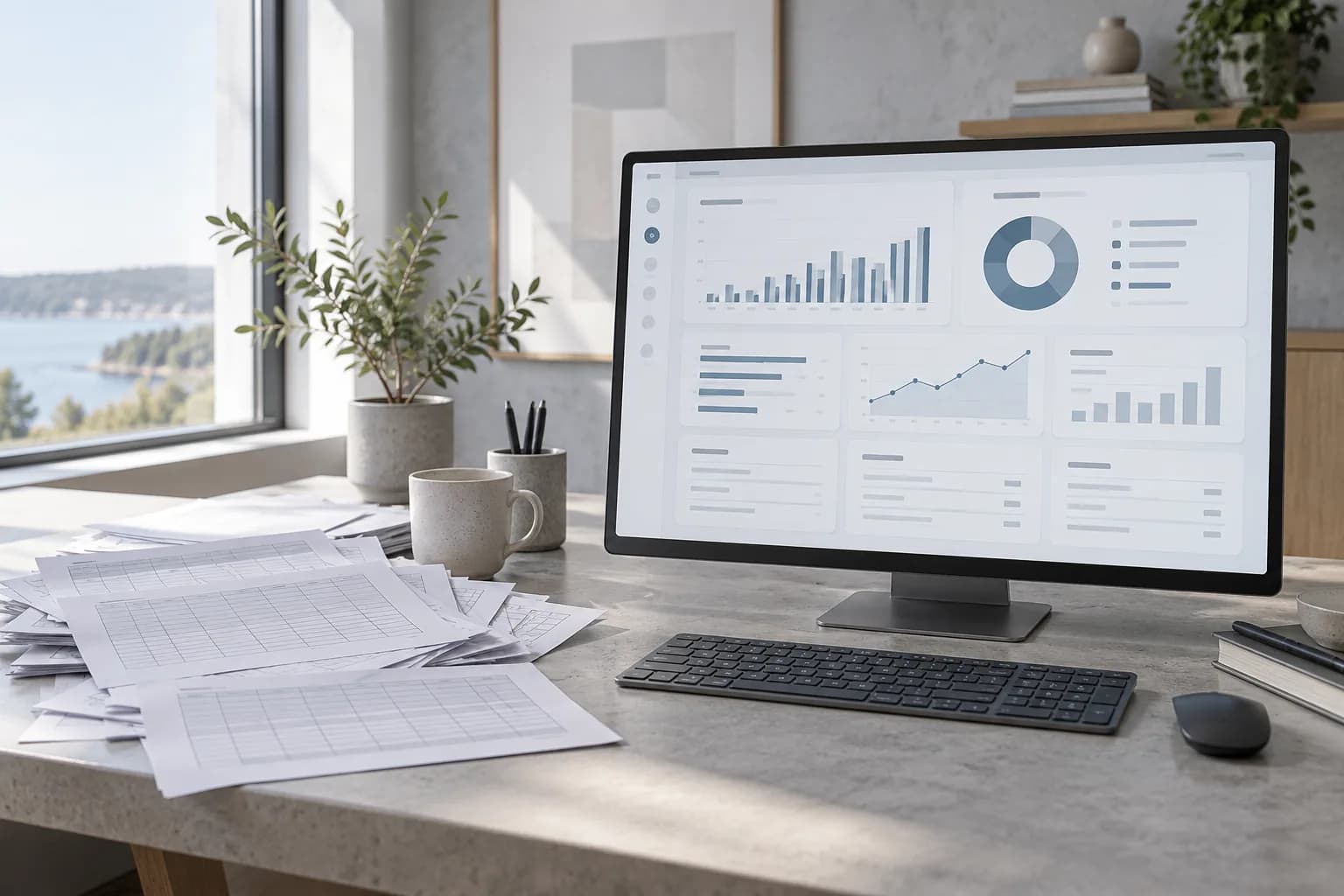
Almost every company runs on spreadsheets at first: orders, stock, schedules, client lists, reports. They are flexible and familiar. But as the team and the number of operations grow, the same flexibility turns into duplicated data, version chaos and hours of manual work.
017 signs you have outgrown spreadsheets
- The same data is entered in several places. Orders go into a spreadsheet, then into accounting, then into an email.
- Nobody is sure which file is the latest. "Final_v3_updated" is a warning sign.
- Reports take hours or days. Managers wait for someone to collect numbers manually.
- Errors cost real money. A wrong formula or a missed row leads to wrong invoices or stock levels.
- Access control is impossible. Everyone sees everything, or files are emailed around.
- Processes depend on one person. Only one colleague knows how the "big spreadsheet" works.
- Customers and partners need self-service. They ask for order status or documents that live in your files.
If three or more of these sound familiar, it is worth looking at a dedicated system. Many companies start with a focused tool for their core process — orders, production, field service or client management — rather than a huge off-the-shelf ERP. That is exactly what our custom ERP and business systems service is built for.
02Off-the-shelf ERP or custom system?
Comparing the two approaches
| Criterion | Off-the-shelf ERP | Custom business system |
|---|---|---|
| Fit with your processes | You adapt to the software | The software adapts to you |
| Start time | Fast for standard processes | Depends on scope, often phased |
| Unique workflows | Limited or expensive to customise | Built exactly as needed |
| User experience | Generic, many unused features | Only what your team needs |
| Integrations | Standard connectors | Designed for your tools |
| Ownership | Licence-based | You own the solution |
03What a custom system usually includes
- Central database for orders, clients, products or projects.
- Roles and permissions so each employee sees what they need.
- Dashboards and reports that update automatically.
- Document generation for invoices, offers and contracts.
- Integrations with accounting, e-commerce, email and other tools.
- Customer or partner portal for self-service access.
A business system often connects to customer-facing products too: an online store that sends orders directly into the system, or a mobile app for employees in the field.
04How to switch without disruption
- Map your current processes and where spreadsheets are used
- Choose one core process to automate first
- Clean and structure the existing data before migration
- Involve the people who will use the system daily
- Run the old and new processes in parallel for a short period
- Add modules step by step instead of replacing everything at once
The goal isn't to get rid of spreadsheets. It's to stop running the business on them.
Recognise your company in these signs? Tell us how you work today and we'll suggest where a business system would save the most time.