Planning a Mobile App: From MVP to Full Product
What shapes the scope and timeline of a mobile app, why most successful apps start as an MVP and how to plan the path from first release to a full product.
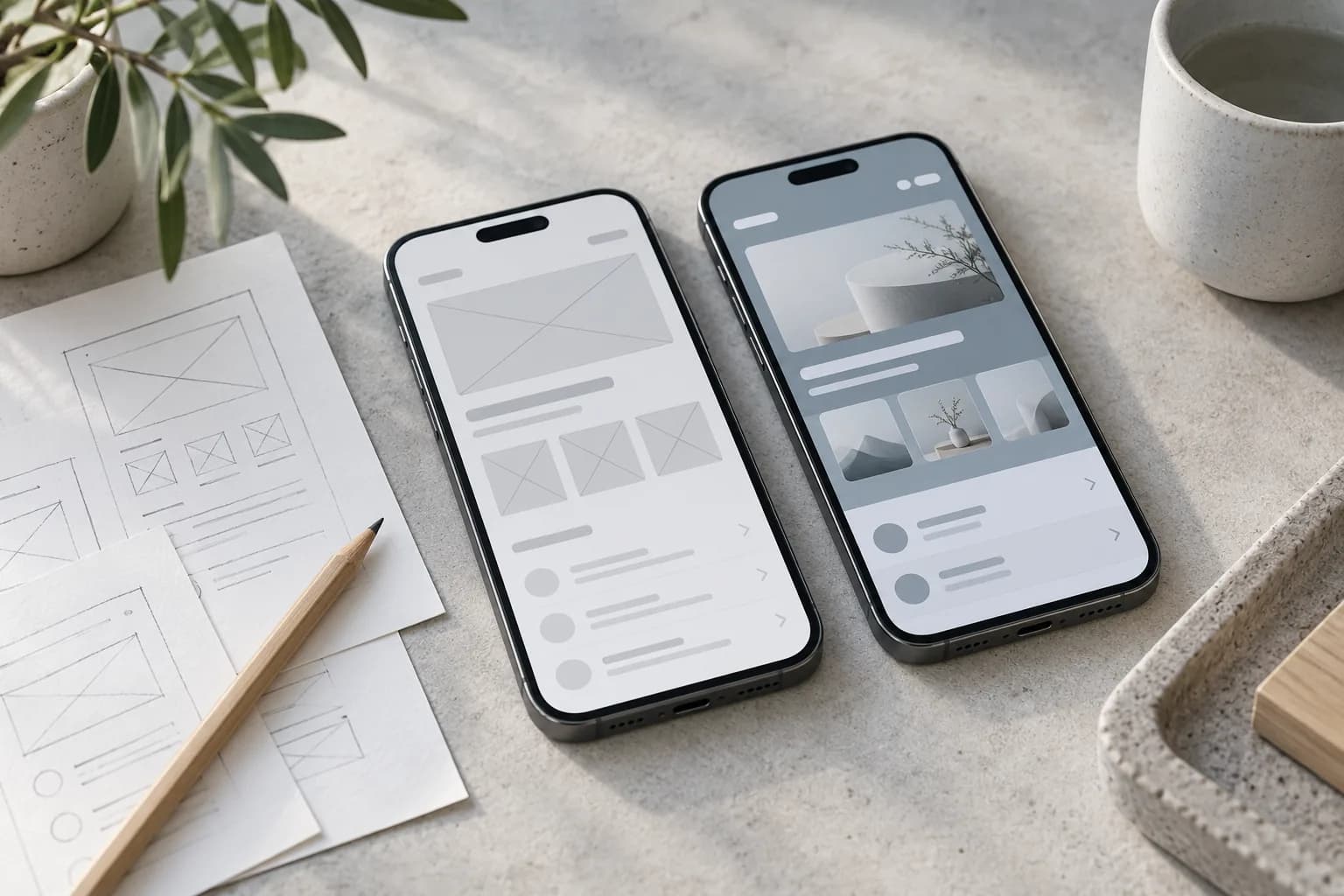
Almost every successful app started smaller than its founders imagined. Planning a mobile app is not about listing every feature you might need one day, but about choosing what to build first, what to learn from real users and how to grow the product step by step.
01What an MVP really is
An MVP (minimum viable product) is the smallest version of your app that solves the main problem for real users. It is not a prototype or a demo: it is a working product, published in the App Store and Google Play, that lets you test demand and collect feedback before investing in everything else. If you need a partner for that first release, see our mobile app development service.
02What shapes the scope of an app
- Platforms. iOS, Android or both, and whether a cross-platform approach fits your needs.
- User accounts and roles. Sign-up, profiles, permissions for customers, staff or administrators.
- Backend and admin panel. Where the data lives and how your team manages content, orders or users.
- Integrations. Payments, maps, CRM, ERP, booking or delivery services.
- Offline work and sync. Apps used in the field often need to work without a stable connection.
- Notifications. Push messages, reminders and in-app updates.
- Design depth. A clean standard interface or a fully custom visual experience.
Integrations and the backend are usually where most of the hidden complexity sits. If your app has to exchange data with internal tools, it often makes sense to plan it together with a business system or ERP.
03From MVP to full product
Typical stages of a mobile app
| Stage | Goal | What's included |
|---|---|---|
| Discovery | Define the core problem and users | Interviews, user flows, feature priorities |
| Prototype | Test the idea before coding | Clickable screens, quick feedback |
| MVP | Launch and learn | Core features, backend, store publishing |
| Growth | Improve based on data | New features, analytics, performance |
| Scale | Support more users and markets | Languages, integrations, automation |
04How to keep the first release focused
- Write down the one main task the app must solve
- List features and mark each as must-have or later
- Design the key user flows before development starts
- Decide which data and integrations are needed from day one
- Plan analytics so you can measure how people use the app
- Agree on what success looks like after the first months
05Common mistakes
- Building everything at once. A long first release delays feedback and increases risk.
- Skipping design. A clickable prototype is the cheapest place to find problems.
- Forgetting the admin side. Someone needs to manage content, users and orders.
- No plan after launch. Store updates, OS changes and user feedback need ongoing work.
06How we build apps at devcorner
We design the interface, develop the backend and integrations, test on real devices and help with App Store and Google Play publishing. Strong apps start with a clear UI/UX design, and many projects also need a companion website for marketing and support.
The best first version of an app is not the one with the most features, but the one that teaches you the most.
Have an app idea? Tell us about it and we'll help you define the first release and the next steps.